
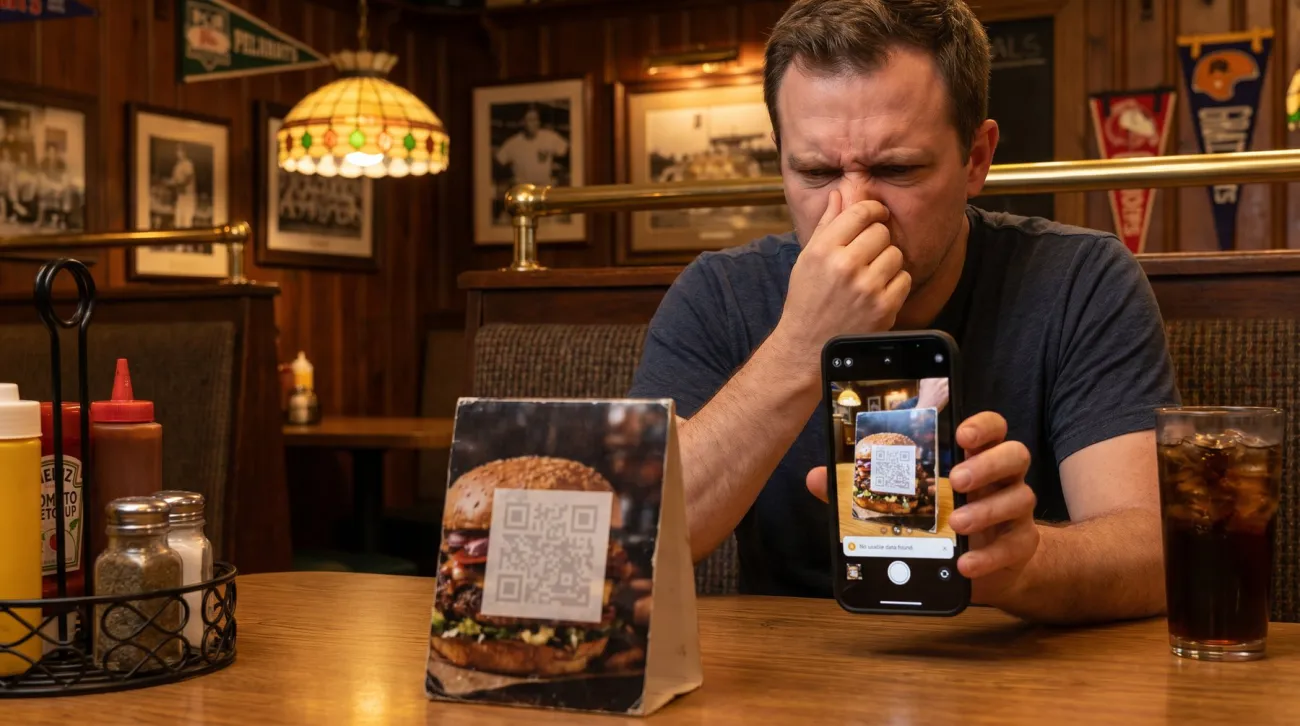
Most QR codes that fail were not printed wrong. They were designed wrong. And the hard part is that a broken code usually looks completely fine sitting on the table. It looks like every other code. The first person to find out it does not work is a customer, holding up a phone while their food gets cold.
That is an expensive way to learn. Below is what actually breaks a QR code, why you cannot spot most of it by eye, and how to make one that scans on the first try.
A code that won’t scan usually looks perfectly fine
Here is the uncomfortable part about a bad QR code: you cannot see the problem by looking at it. The squares are all there. The colors look sharp. Nothing seems wrong. But your eye and a phone camera do not see the same thing, and the gap between them is where codes quietly die.
When you look at a code, you see color and shape. When a phone reads one, it throws the color away and looks at brightness, light squares against dark squares. If the design breaks that brightness difference, the code is gone, and there is no warning. The customer just gets a camera that will not catch, gives up, and asks for the paper menu you were trying to stop printing.
Why do QR codes fail to scan?
Almost every failure comes down to one of a handful of design mistakes.
Low contrast. The biggest one, and the sneakiest. More on it in the next section.
No quiet zone. A code needs a clear margin of empty space around it, called the quiet zone. It is how a scanner finds where the code starts and stops. Crowd a logo, a price, or the edge of a card right up against it and phones start to hesitate or miss it.
Too small for the distance it is read from. A code sized for a business card will not work on a poster read from across a room, and the mistake is easy to make because the file looks fine on screen. How big a QR code should be for print has the rule and the measurements.
A logo that covers too much. A small mark in the center is fine. A big one eats the data the code uses to rebuild itself, and past a point there is not enough left to read.
A busy background. Printing a code straight over a photo, a pattern, or a dark texture buries the squares in noise. The code and the background blur together and the scan fails.
Too small, or stretched. Printed smaller than about an inch, or squeezed out of square to fit a layout, and the squares get too fine or too warped for a camera to resolve.
The mistake that fools everyone: color
If you remember one thing, remember this. Two colors that look boldly different to you can be the exact same brightness to a scanner.
Your eye reads hue. A red and a green can look like strong, obvious contrast. But a scanner reads brightness, and a medium red and a medium green can be the same shade of gray. To the camera the whole code turns into one flat tone and disappears. It is the most common reason a nicely branded code fails, and it stays invisible right up until someone scans it.
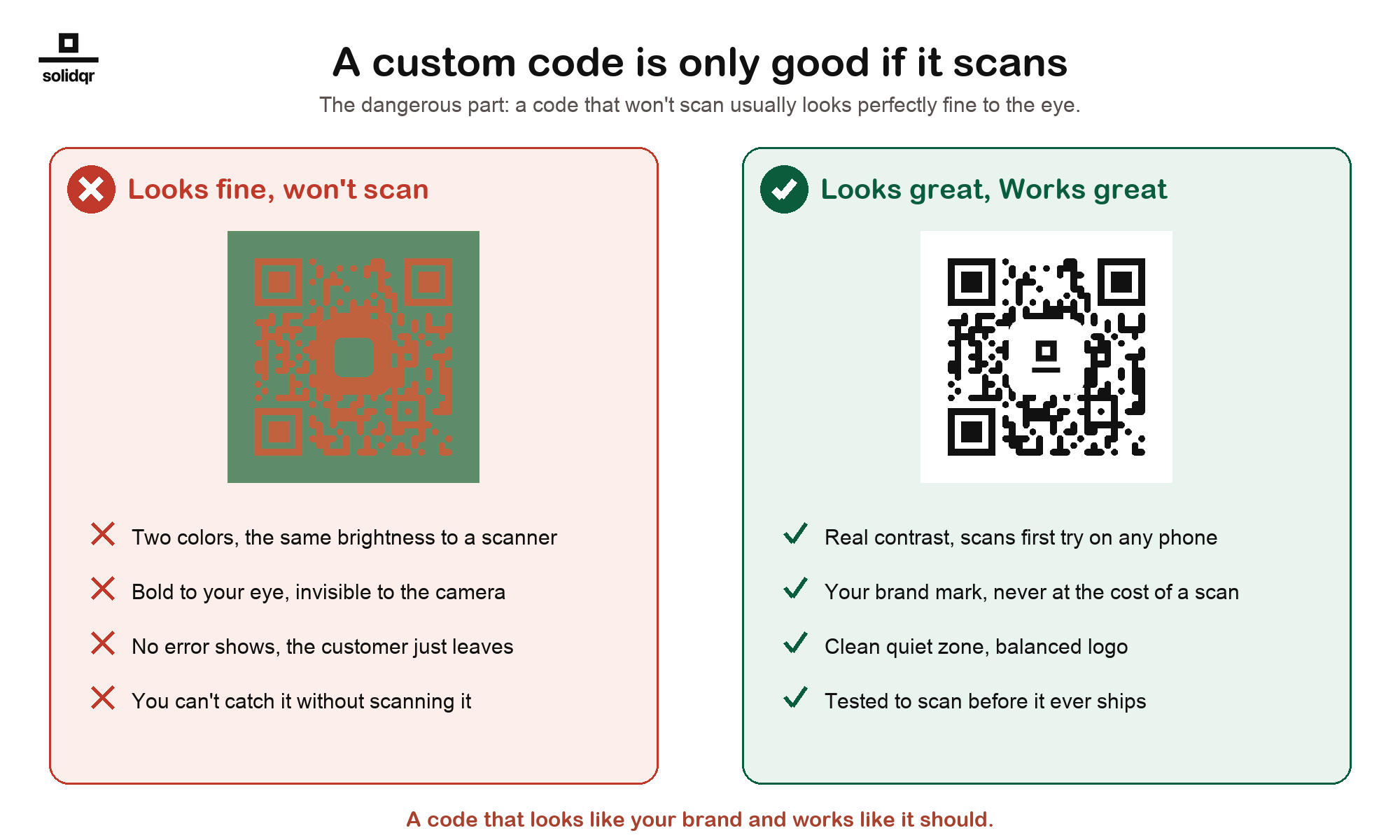
The code on the left looks like tasteful, on-brand design. It also does not scan, and no amount of staring at it will tell you why. The one on the right carries a brand mark too, but it keeps the brightness difference a camera needs.
How to design a QR code that scans
The rules are simple once you know what the camera is doing.
- Keep strong contrast. A dark code on a light background is safest. If you use color, make the code much darker than what sits behind it, and judge the brightness, not just the hue.
- Leave the quiet zone. Give the code a clear margin on all four sides. Do not let anything touch it.
- Keep the logo small. A mark in the center is fine when it stays modest. Do not let it grow into the data.
- Give it room, and keep it square. Print it at least an inch across, larger for anything read from a distance, and never stretch it to fit.
- Then test it. On a real phone. Before you print a hundred.
The one rule that catches everything: scan it yourself
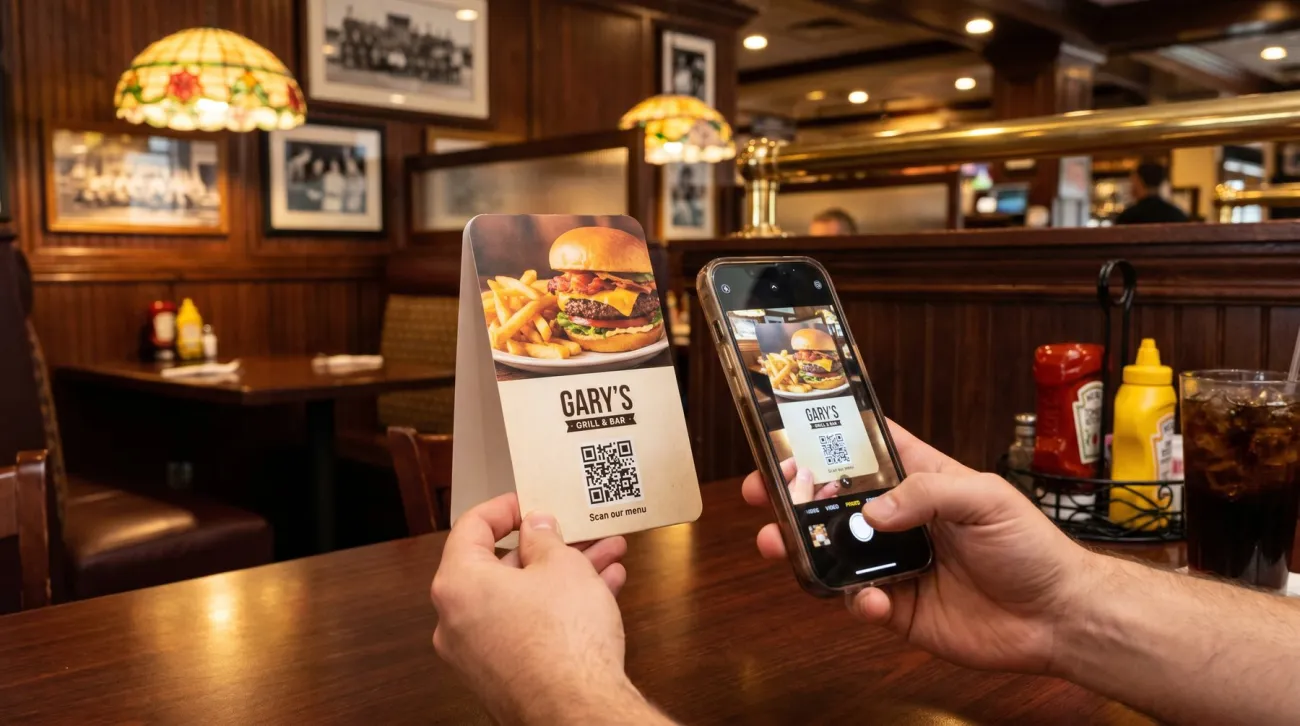
You cannot eyeball whether a code works. The only way to know is to scan the final design, on more than one phone, before it goes to print. A thirty-second test on your own phone catches the mistake that a hundred printed table tents would have made permanent.
This is the step most people skip, and it is the one that matters most. A code that has not been scanned is a guess.
Codes that are built to scan, and built to last
At Graklink we design codes to clear every one of these traps, and we check that they scan before they are yours: strong contrast, a real quiet zone, a logo kept within safe limits, and a code that reads on the first try.
And because it is a Graklink code, it keeps working. Your code is a one-time purchase with no subscription attached, so it never stops redirecting because a payment lapsed. Design it right once, print it, and it works for as long as you do.
Make one that scans
Point it anywhere. Change it anytime. Print it forever. $7.99, once.
Your website, menu, listing, anything on the web.
Customize the look
Personalize your address from $1.99
Leave blank for a free random address.
Choose your analyticschoose one
Free for 30 days, then auto-renews; cancel anytime. Your codes keep working either way.
✓ Scan-checked: strong contrast, reads at print size
solidqr.co/•••••
One payment, one time,
scans forever.

30 day money back guarantee

Common questions
Why won't my QR code scan?
Usually a design problem, not a printing one: too little contrast between the code and its background, no clear margin (quiet zone) around it, a logo that covers too much, a busy background, or a code printed too small or stretched. Most of these are invisible until you actually scan it.
Can a QR code be a color other than black?
Yes, but the code has to stay much darker than its background. Scanners read brightness, not color, so two colors that look different to your eye can read as the same shade and fail. Check the brightness difference, not just the hue, and always test it.
Can I put a logo in the middle of a QR code?
Yes, if it stays small. A modest mark in the center is fine, because the code can rebuild the part it covers. A logo that is too large removes data the code needs and stops it from scanning.
How big should a QR code print?
At least about one inch (2.5 cm) across for something scanned up close, and larger for anything read from a distance like a poster or a window. Keep it square, and never stretch it to fit a layout.
Do QR codes expire?
A Graklink code does not expire and never stops working because of billing. It is a one-time purchase with no subscription on the code, so as long as the destination is valid it keeps redirecting for the life of whatever you printed it on.