
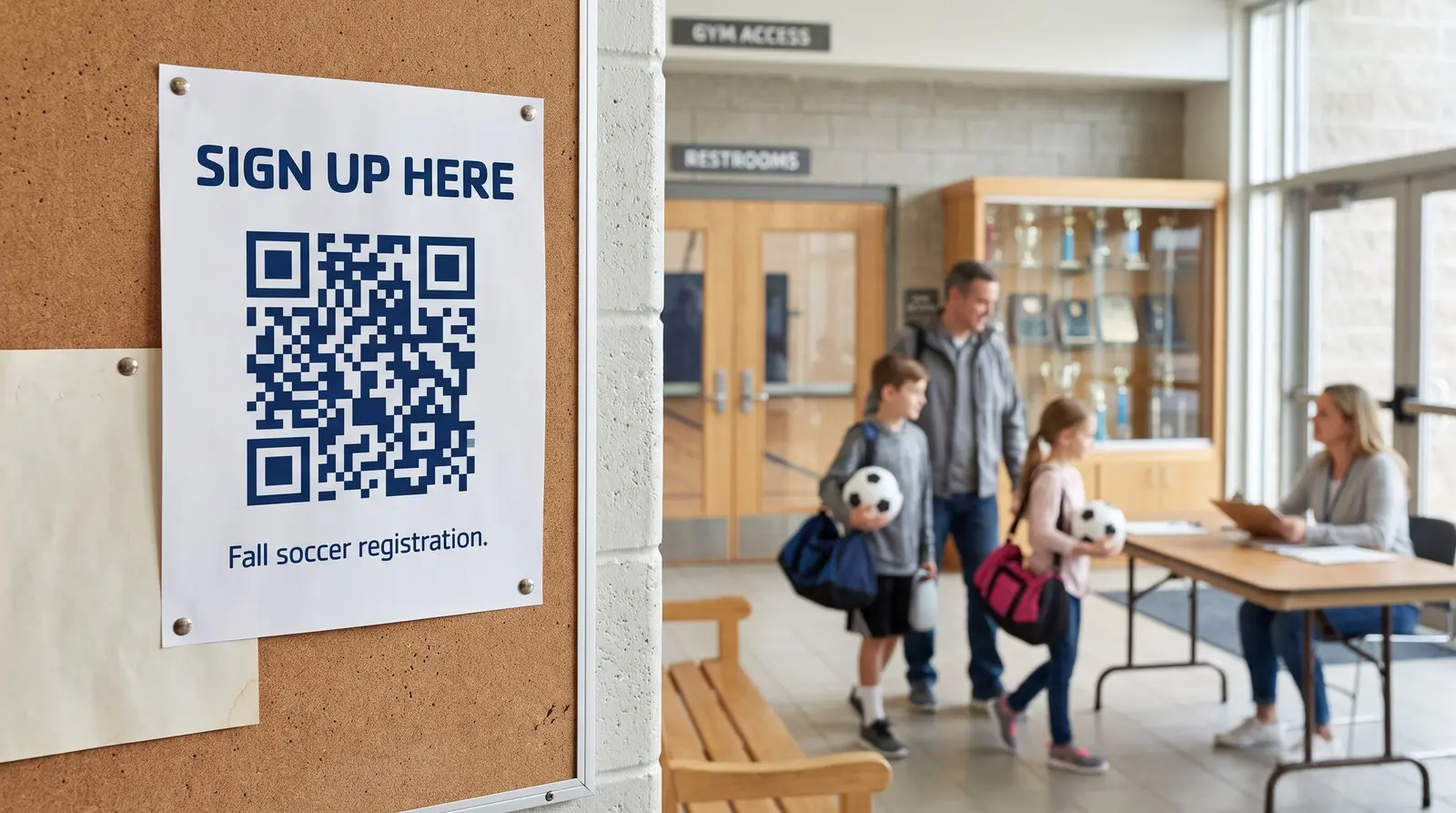
Open the sign-up form from the noticeboard.
ON THIS PAGE
A parent sees the volunteer flyer while collecting their child. A QR code lets them choose a shift on their phone while the notice is still in front of them. A reusable sign can keep working when you create next season’s form.
Why put a QR code on a sign-up sheet?
A parent at the club noticeboard can scan the volunteer form and choose a shift before heading home with their child. By putting the form within reach, you’ve saved them another task to remember later tonight.
Google Forms quietly became the sign-up sheet for everything small: the youth soccer season, the church potluck, the PTA volunteer list, the club membership drive, the new-student interest form, the waiver at the front desk. The form takes five minutes to build and costs nothing. Then it hits the physical world, and the physical world still runs on flyers, corkboards, door signs, and handouts.
Publish the form and copy its responder link. Google also offers a shortened link. Put a QR code beside a readable address so people can open the form from the noticeboard or type it later.
What actually goes wrong with printed form links?
A new form gets a new address. That matters when your reusable sign still points to the previous form.
Editing a form is safe: change questions, reorder sections, fix a typo, and the link stays the same. But real life replaces forms outright. The new season gets a fresh copy so last year’s responses stay clean. The spring class gets its own form. Someone reorganizes the shared drive and rebuilds the form that got messy. The moment any of that happens, every printed link in the building points at the old one, and whoever scans or types it lands on a closed form or the wrong year.
A QR code you can repoint (the industry calls it a dynamic QR code) means the paper no longer depends on any one form. The QR code on the flyer never changes. What it points at is up to you, this season and every season after.
Where should the QR code actually go?
Wherever the person with a free minute is standing:
- The flyer and the corkboard. The classic. One QR code, bottom corner, next to a line that says what they get (“Sign up for fall soccer, takes 2 minutes”).
- The door and the front desk. Where people already ask “how do I sign up?” The QR code is the answer that does not need a staff member.
- The registration table. At the event itself, a standing card with the QR code beats a laptop queue. Ten phones can scan at once; one laptop cannot.
- The handout that goes home. Team packets, bulletins, take-home folders. The QR code rides along and works from the kitchen table.
Each surface can carry the same QR code pointed at your one live form, or its own QR code so the free scan counter shows which item received scans; completed sign-ups need evidence from the form or a supported outcome integration. The counter is included forever on every QR code, so you can see which of the two materials people use.
A shared registration card can also open the right form on a schedule. A community center could send Monday-evening scans to the art-class form and Thursday-evening scans to the volunteer form, with its full program page as the default at other times. Choose the center’s time zone and use a broad caption such as “Open today’s sign-up.” Each scan uses the current day and time.
If your sign-up is really an event invitation, the RSVPs page covers that occasion end to end; this page is about the tool side, whatever the occasion.
What happens next season?
You make the new form, open your dashboard, and repoint the QR code. The 40 flyers, the door sign, the laminated card at the desk: none of them change, none of them reprint, and none of them are wrong. Repointing is the product, included, with no meter and no count.
A free static QR code can open a maintained form address. A dynamic QR code also gives each placement its own scan count and can open different forms on a schedule, even when all the form addresses stay unchanged. Destination editing remains included when you switch forms or providers.
Start with one flyer
One QR code on this season’s sign-up flyer, pointed at this season’s form, may save a reprint when the form changes. No subscription required, the scan counter is included, and ending a subscription does not deactivate a purchased QR code; refunds, deletion, safety actions and service availability are separate under our Terms.

Common questions
How do I make a QR code for a Google Form?
Publish your form, confirm responder access, and copy the responder link from Published or Share. Paste that link into the QR builder. Test the form while signed out before printing. If you replace the form later, update your dynamic QR code destination.
Does the QR code break if I edit my Google Form?
No. Editing questions, adding sections, or changing the theme keeps the same form link, so the QR code just keeps working. The link only changes when you REPLACE the form: a fresh form for the new season, a copy for the new class, a rebuilt version after someone's cleanup. That is the moment a static QR code printed on 40 flyers becomes wrong, and a dynamic QR code gets repointed in under a minute.
Google Forms already shortens my link. Why use a dynamic QR code instead?
Google’s shortened responder link opens that form and can be enough for a one-off flyer. A dynamic QR code lets a reusable sign open a different form later and provides its own scan count. Form responses remain the record of completed sign-ups.
What does it cost?
The form is free from Google. A purchased Graklink QR code has no subscription and includes a scan counter.
Sources and verification dates
Source links, check dates and available archived copies are listed below.
- DENSO WAVE: QR code margins
Checked September 15, 2026.
A clear margin four modules wide is required on each side.
Live page; no archived copy supplied.
- Google Forms: publish and share a form
Checked September 15, 2026.
Live page; no archived copy supplied.
- Graklink terms
Checked September 15, 2026.
Purchased products, subscription cancellation, trial conditions and service continuity.
Graklink’s published product information.
Make your QR code in a minute
$7.99 once. Unlimited scans. 30-day money-back guarantee.