
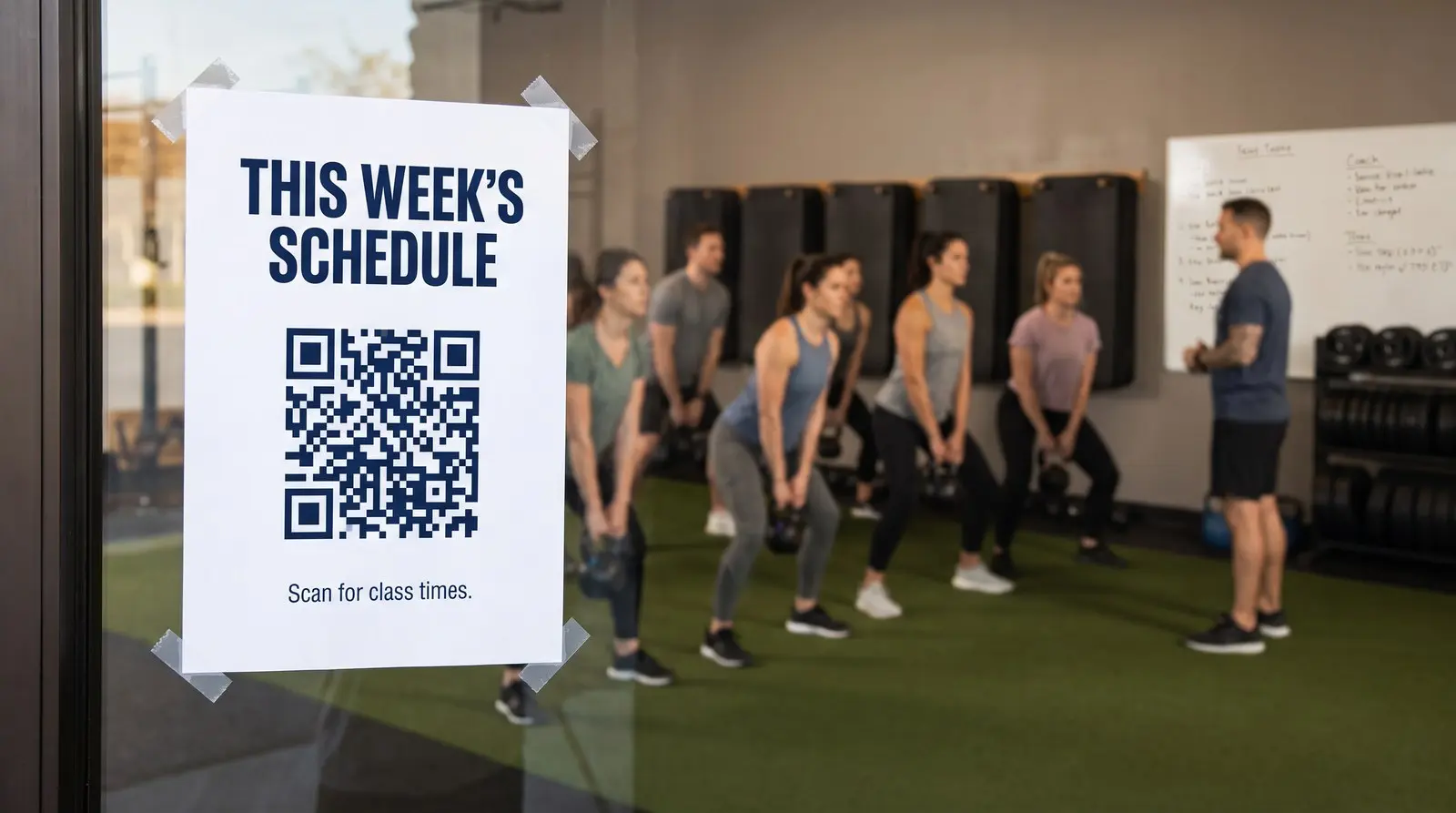
Help members book their next class from the studio door.
ON THIS PAGE
The schedule board, the door sign, and the waiver clipboard are printed things in a business that changes weekly: class times move, trainers come and go, the booking app gets replaced. Every reprint is money and every out-of-date sign is a member standing in front of a class that moved.
Why put a QR code on a gym door?
A member arrives early for Thursday’s 6am class and wants to check who is teaching. The schedule QR code on the door can open the current timetable before the desk opens.
A gym uses printed signs for information that often changes. The door sign, the schedule board, the waiver clipboard, and the PT board are all print. Class times, instructors, room assignments, and the booking software all change, some of them every week. Between the two sits the front desk, answering the same questions over and over: is the 6am still running on Thursday, who is teaching spin this week, where do I sign the waiver?
Keep the timetable at one page address and update it there each week. A free static QR code can open that page. A dynamic QR code adds its own scan count and can follow the room timetable automatically. You can also change the destination when you move from a PDF to a booking app, without replacing the door sticker.
Tucson J’s January 2026 fitness schedule asks members to register through a QR code or a printed web address. That pairing gives someone looking at the studio timetable a direct way to reserve a place.
What should a gym point QR codes at?
Choose the resources members need at each location.
- The schedule QR code, on the door and the desk, pointed at this week’s class times. When you eventually move the schedule from a PDF to an app, repoint the QR code once; every printed copy follows.
- The booking QR code, on the wall outside each studio room, pointed at your booking page. A member leaves a class they enjoyed and sees the booking QR code outside the studio. You’ve made reserving their next session easy while they’re still looking forward to coming back.
- The waiver QR code, at the front desk, pointed at your intake form. New members sign on their own phone while the person at the desk keeps checking people in.
- The coaching QR code, on the PT board, pointed at trainer bios or session booking. Trainers change; the board should not have to.
One studio-door QR code can also follow the room timetable. Set the studio’s time zone, send scans during Monday spin to its booking page and during Wednesday yoga to that class page, then use the full schedule as the default outside class windows. The destination is chosen again whenever a member scans.
Which sign actually gets scanned?
Give separately compared placements their own QR codes. Basic counters can show whether members use the schedule on the door or at the desk. Compare the same resource over similar opening hours. A waiver and a trainer biography serve different audiences, so their totals answer different questions. Comparing placements explains how to make the comparison useful.
Does the QR code survive switching gym software?
Yes. When the booking or waiver service changes, update the relevant destination in Graklink and test the new page from the printed sign. Routine timetable edits at the same URL need no destination change. This distinction lets you keep the schedule current without adding a weekly QR-management task.
A purchased Graklink QR code keeps redirecting with no subscription. You still need an active schedule or booking page at the destination.
Start with the door
One QR code on the door, pointed at this week’s schedule, is a small experiment that answers the front desk’s most-asked question by Monday. The booking wall, the waiver desk, and the PT board can each earn their QR code when the counter proves people actually scan the first one.

Common questions
How do gyms use QR codes?
Use them for the tasks members ask about: class schedules, bookings, waivers and coaching information. Give each sign a clear purpose and link to the page that completes that task.
Can a QR code point at a schedule that changes every week?
Yes. Update the timetable at its existing address and the QR code will open the latest version. A dynamic QR code also lets you change the destination address, for example when moving from a PDF to a scheduling app.
What should the gym QR code point at?
Whatever your members actually ask for at the desk: this week's schedule first, class booking second, the waiver third. Point each QR code at the page you already use, on whatever platform runs your gym. The QR code is the path, not the platform; when you switch software, the QR code survives the switch.
Do I need a subscription to keep my QR code working?
No subscription required. A purchased Graklink QR code keeps redirecting and keeps its destination editing and basic counts. Keep your booking or waiver service active separately.
Sources and verification dates
Source links, check dates and available archived copies are listed below.
- Tucson J January 2026 fitness schedule
Checked September 15, 2026.
Published schedule pairs a QR code with a readable class-registration URL.
Live source checked on the date shown; no archived copy recorded.
- DENSO WAVE: QR code margins
Checked September 15, 2026.
A clear margin four modules wide is required on each side.
Live page; no archived copy supplied.
- Graklink terms
Checked September 15, 2026.
Purchased products, subscription cancellation, trial conditions and service continuity.
Graklink’s published product information.
Make your QR code in a minute
$7.99 once. Unlimited scans. 30-day money-back guarantee.