
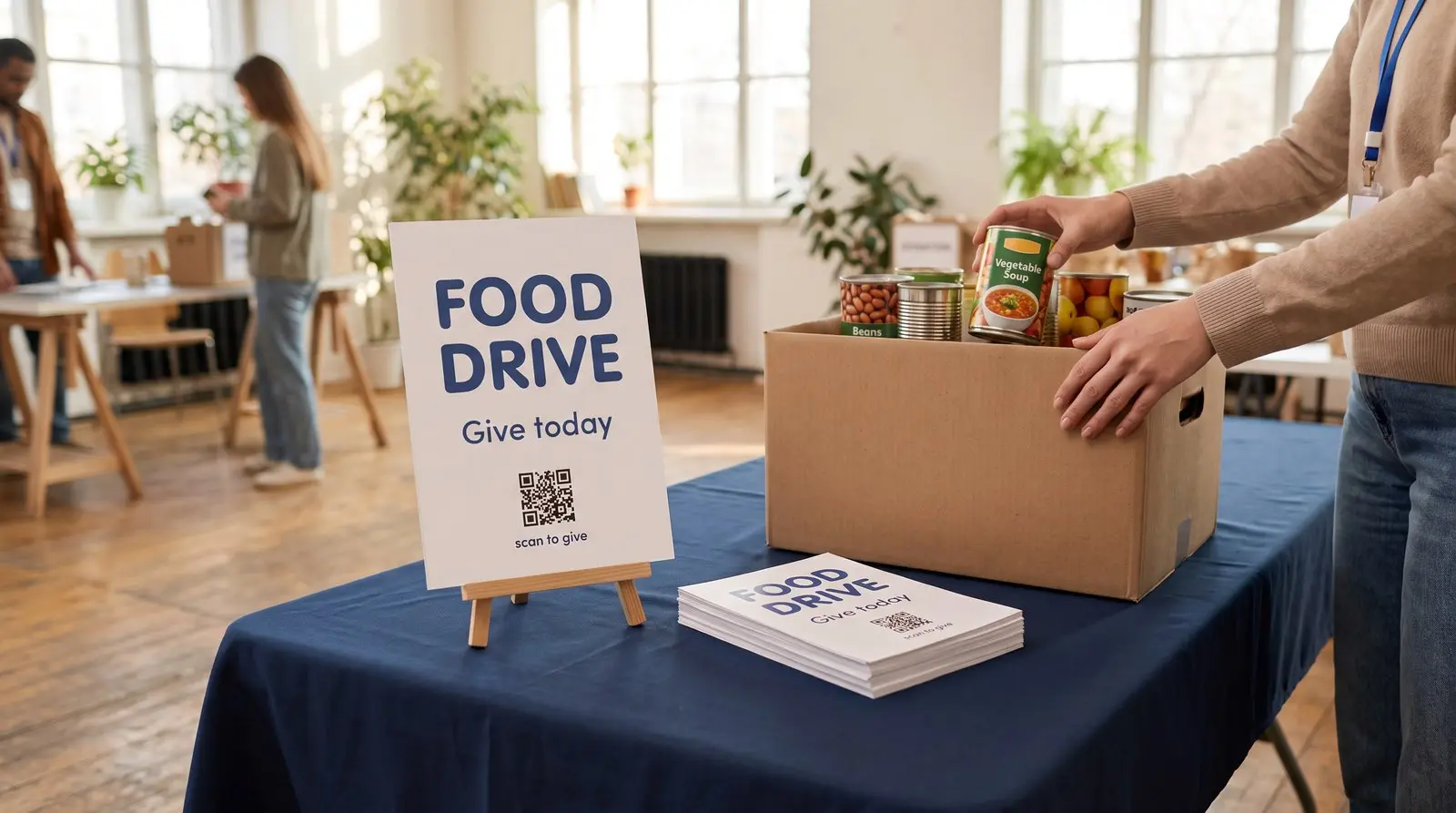
Help a donor give while the appeal is in front of them.
ON THIS PAGE
Appeal letters, event signage, and thank-you cards are printed in bulk and mailed months apart, while the campaign pages and donation platforms they point to change every season.
Why put a QR code on an appeal letter?
A donor opens your appeal letter at the kitchen table. They want to help while the letter is in front of them. A QR code can take them straight to the campaign’s donation page.
Nonprofit print runs big and lives long: appeal letters, reply slips, posters, banners, thank-you cards, annual reports. Meanwhile everything digital moves on its own schedule. The campaign page changes each season, the donation platform gets replaced when the fees change, the volunteer form migrates when the coordinator does. An address on durable print needs a maintenance plan for those changes.
A dynamic QR code lets you maintain the destination address after printing. Print it once on the letterhead, the reply slip, the poster by the door, and change where it points from a dashboard, per season, per campaign, per platform, for free. The mail already sent starts opening the new page along with the mail you have not printed yet.
What should a nonprofit point QR codes at?
Choose a QR code for the action each material asks someone to take.
The donation QR code. A supporter reading your appeal can open the giving page while the letter is still in their hand. Making that step easy respects the time they’re setting aside to help.
Put it on appeal letters, reply slips, posters and event tables, pointed at your donation page. Graklink never touches the money; the QR code carries the donor to whatever platform you already trust, and can be updated when you change providers.
The campaign QR code. One QR code on the standing materials, the banner, the letterhead, the lobby sign, repointed to each season’s drive. Spring appeal, summer program, year-end push: the print holds still while the destination rotates.
The event QR code. Gala invitations, table cards, and auction paddles, pointed at ticketing, the auction platform, or the pledge page, and repointed as the night’s needs change. If the event needs headcounts, the RSVP page covers that pattern in full.
The volunteer QR code. Tabling banners, flyers, the back of the thank-you card, pointed at the signup form. Update the destination when the form moves to a new address.
What happens when the organization changes donation platforms?
Every QR code keeps working, pointed at the new platform, and for a nonprofit this is the whole argument.
Platforms change: fees rise, a board member has a better option, the processor gets acquired. If ten thousand mailed letters carry the old platform’s address, the switch strands every one of them. If they carry your QR code, the switch is one field in a dashboard, and the letter that has been on a donor’s counter since March quietly opens the new page in November.
The same protection covers the failure nobody plans: campaign pages that get taken down, rebuilt sites that move the giving page, a URL that worked at print time and rotted by mailing time. Repointing is free and takes effect immediately.
What does a purchased QR code include?
A purchased Graklink QR code includes destination editing, unlimited scans and basic counts. If you already maintain a donation page at a stable address and your current campaign measurement is enough, a static QR code can do the job. Choose dynamic when separate counts for the appeal, event or volunteer materials would help now, or when you want flexibility for a future page or provider change.
Separate QR codes for an appeal letter, gala table and volunteer flyer let you compare their counts. Use equal display periods where you can. The fundraising platform remains the record of completed gifts, and the volunteer form remains the record of sign-ups.
How do you keep donor trust while using QR codes?
Print the organization’s name and a clear caption beside the QR code, along with a readable address or another way to give.
Print a caption under every QR code naming the destination, keep the printed short address consistent across materials, and point donation QR codes only at pages that look like you. Donors are rightly cautious around money and QR codes; a named destination under a branded QR code answers the caution before it forms. Our call-to-action guide covers the captions that work.
A purchased Graklink QR code has no required subscription. Ending a subscription does not deactivate a purchased Graklink QR code.
Does this work beyond the big annual appeal?
Consider the task at each placement: a food-drive poster opens the current needs list, an annual report invites feedback, and a volunteer banner opens the sign-up form.
Food drives and their grocery-store posters, walk-a-thon bibs and sponsor banners, the annual report’s feedback QR code, the memorial fund card at a service, the church partnership flyer (churches have their own page, and the two patterns are siblings), the tabling setup at the county fair. Anywhere paper asks a person to go somewhere online, one owned QR code bridges the gap, and the gap is the same every time: print is committed early, destinations move late.
Start with the donation QR code. The rest follow the first time a platform migration costs nothing.

Common questions
How do nonprofits use QR codes?
Four QR codes carry most of it: the donation QR code (appeal letters, reply slips, posters, pointed at your donation page), the campaign QR code (this season's drive, repointed each season so the letterhead and banners never reprint), the event QR code (gala tickets, table cards, and paddles, pointed at ticketing or the auction page), and the volunteer QR code (signup forms on flyers and tabling banners). Each is made once and repointed from a dashboard whenever the destination changes.
How do I make a QR code for donations?
Point a dynamic QR code at the donation page you already use, on whatever platform processes your gifts. Put the donation page address in and print it on everything: letters, envelopes, posters, the table by the door. When the organization changes platforms someday, and most eventually do, you repoint the QR code and every letter already mailed and every poster already hung opens the new page. Graklink never touches the money; the QR code is the path to your platform, not a processor.
Should a nonprofit pay a subscription for QR codes?
A purchased Graklink QR code has no subscription, with destination editing, unlimited scans and basic counts. Your donation platform may already supply a sufficient free QR code; Graklink adds independent destination control and measurement.
Can donors see where the QR code goes before opening it?
A phone’s scanner usually previews the encoded address, which for a dynamic QR code is the redirect address. Print your organization’s name, the purpose of the link and a readable address beside it. Test the complete route to the donation page.
Can we tell which mailing or poster brings donations in?
Give materials separate QR codes to compare their recorded scans. Check donations in the fundraising platform. Campaign tags and supported outcome measurement may help connect visits to gifts; scan totals alone do not establish donations.
Does the QR code expire between printings?
A purchased Graklink QR code is not deactivated when a subscription ends, never hits a scan cap, and never expires. Nonprofit print lives a long time: appeal letters sit on kitchen counters, posters stay up past the campaign, thank-you cards get filed away with the QR code still on them.
Sources and verification dates
Source links, check dates and available archived copies are listed below.
- DENSO WAVE: QR code margins
Checked September 15, 2026.
A clear margin four modules wide is required on each side.
Live page; no archived copy supplied.
- Graklink terms
Checked September 15, 2026.
Purchased products, subscription cancellation, trial conditions and service continuity.
Graklink’s published product information.
Make your QR code in a minute
$7.99 once. Unlimited scans. 30-day money-back guarantee.