
QR Code Not Working After Printing? Here's How to Fix It
ON THIS PAGE
Why is my QR code not working after printing?
A printed QR code usually fails for one of a handful of reasons: too little contrast, no clear margin around it, printed too small, a logo that covers too much, a busy background, or a perfectly good QR code pointing at something that is no longer there. The first five are design problems you can catch by scanning the final print. The last one is invisible from the paper, and it is the one that catches people out.
Work down the checklist below and you will almost always find the cause.
Troubleshooting checklist, in order
- Contrast. Is the QR code much darker than its background? Convert the design to grayscale in your head; if the QR code and background go to a similar gray, a camera cannot tell them apart.
- Quiet zone. Is there a clear margin of empty space on all four sides? Text or graphics crowding the edge make the QR code hard to find.
- Size. Is it at least about 0.8 inch, and bigger for anything read from a distance? See the print size guide.
- Logo. Keep it small and preserve the finder and other structural patterns. A 30% error-correction figure is not a safe logo-area allowance.
- Background. Is the QR code printed over a photo, pattern, or dark texture that buries the squares?
- Print quality and damage. Is it smudged, faded, low resolution, stretched out of square, or creased through a corner?
- What is behind it. Open the destination in a browser yourself. If the QR code worked before and then died, the print is not the problem, and the next section is where to look.
Most failures are caught in the first three steps. The visual breakdown of the design problems follows.
A QR code that won’t scan usually looks perfectly fine
A QR code can look clear on your screen and become difficult to scan on a printed table tent. The hard part is that a broken QR code usually looks completely fine sitting on the table. It looks like every other QR code. Testing a proof where it will be used lets you check it before customers arrive. More on what breaks a QR code is in our support answers.
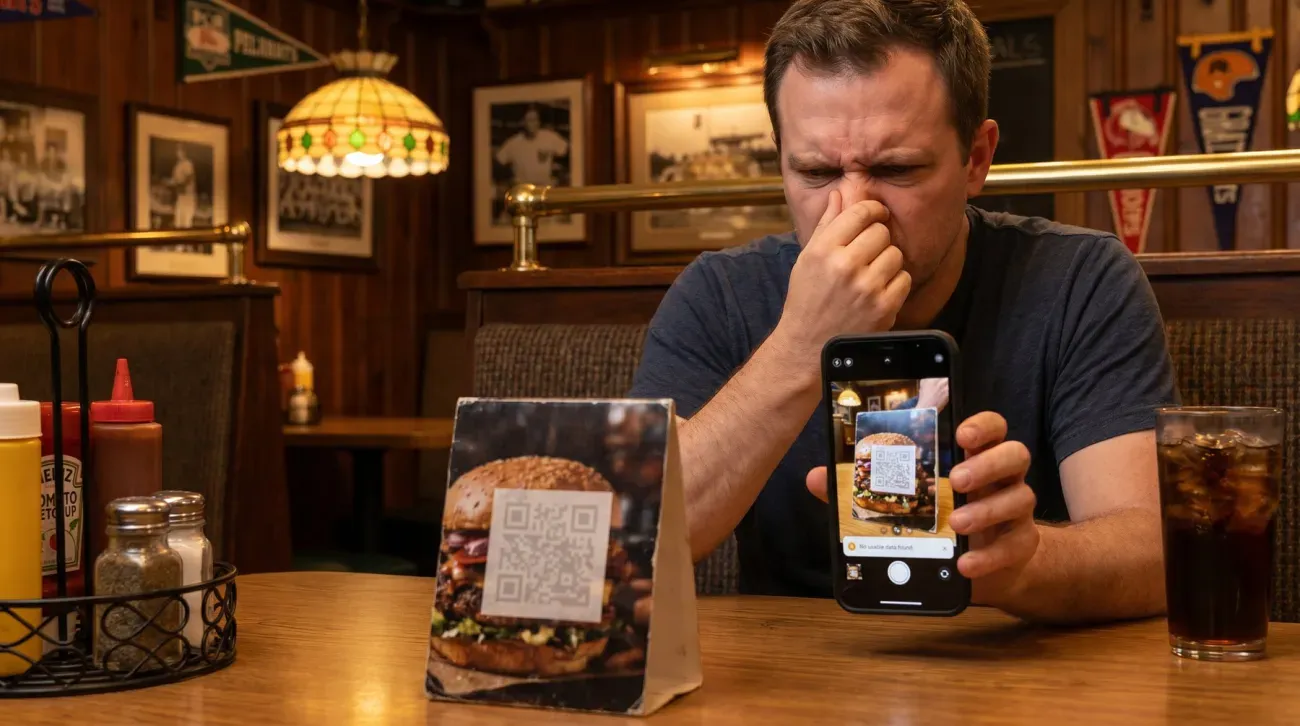
The squares are all there. The colors look sharp. Nothing seems wrong. But your eye and a phone camera do not see the same thing, and the gap between them is where QR codes quietly die.
When you look at a QR code, you see color and shape. When a phone reads one, it throws the color away and looks at brightness, light squares against dark squares. If the design breaks that brightness difference, the QR code is gone, and there is no warning. The customer just gets a camera that will not catch, gives up, and asks for the paper menu you were trying to stop printing.
A busy background does the same thing. Printing a QR code straight over a photo, a pattern, or a dark texture buries the squares in noise, and a QR code sized for a business card will not work on a poster read from across a room. Squeezed out of square to fit a layout, the squares get too warped for a camera to resolve.
The mistake that fools everyone: color
If you remember one thing, remember this. Two colors that look boldly different to you can be the exact same brightness to a scanner.
Your eye reads hue. A red and a green can look like strong, obvious contrast. But a scanner reads brightness, and a medium red and a medium green can be the same shade of gray. To the camera the whole QR code turns into one flat tone and disappears. It is one reason a branded QR code can be difficult to scan, and it stays invisible right up until someone scans it.
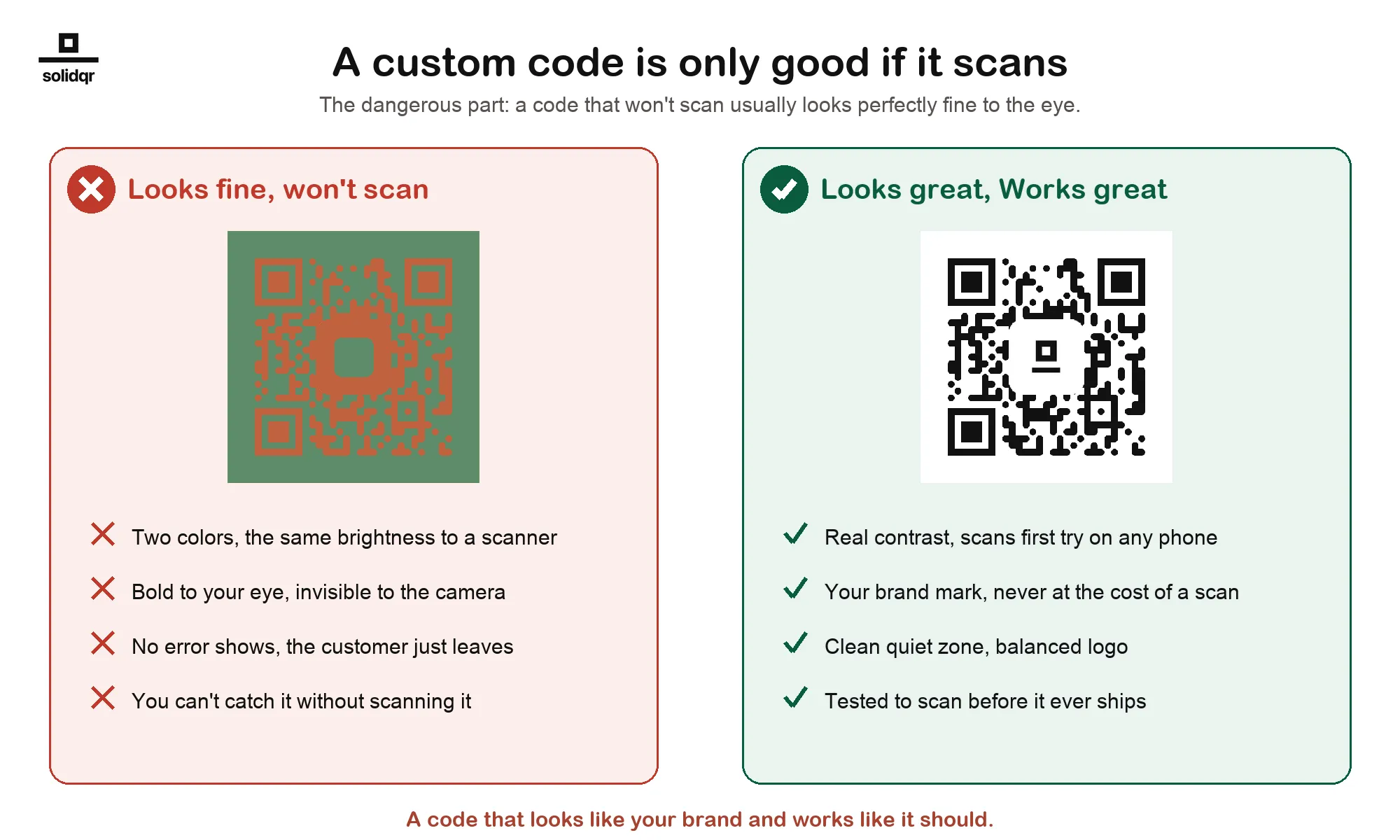
This illustration shows the contrast difference to look for. It is not a recorded scan test. Test your own final artwork and printed material on more than one phone.
Keep the logo small, too. A mark in the center is fine when it stays modest. Do not let it grow into the data.
The one people miss: the QR code is fine, the thing behind it is gone
Check whether the phone reads the QR code but cannot open its destination. A QR code works perfectly for months, then one day it stops, everywhere, all at once. Every sign, every card, every package, dead at the same moment.
That is almost never a print problem. Your artwork is fine. Something the QR code depends on went away, and it happens two ways:
- The destination rotted. The page you pointed at came down, the site got rebuilt at new addresses, or the domain lapsed. This is the ordinary one. It happens to anybody who prints a link and then changes their website, which is eventually everybody.
- The redirect was switched off. Many QR providers rent you the redirect behind a dynamic QR code and shut it off when you stop paying, no matter how many copies you printed.
If the destination page moved, update your dynamic QR code in its dashboard. If a static QR code opens an address you control, restore or redirect that address. For a provider-account issue, check the status and relevant plan terms.
A Graklink QR code is a one-time purchase. No subscription required.
How to keep it from happening again
- Test the final print at its real size, on more than one phone, before the full run. A QR code that has not been scanned is a guess.
- Check the plan conditions. A purchased Graklink QR code has no billing expiry or scan allowance. See static vs dynamic QR codes for why the ownership matters.
- Assume the destination will move. Rebuilding a website is the most ordinary way a printed QR code goes dark. With a dynamic QR code you repoint it and the print is fine; with a static QR code, maintaining or redirecting the old address may avoid replacing the artwork.
- Follow the design rules then test it on several typical phones and the final material.
Make a physical proof before the full run
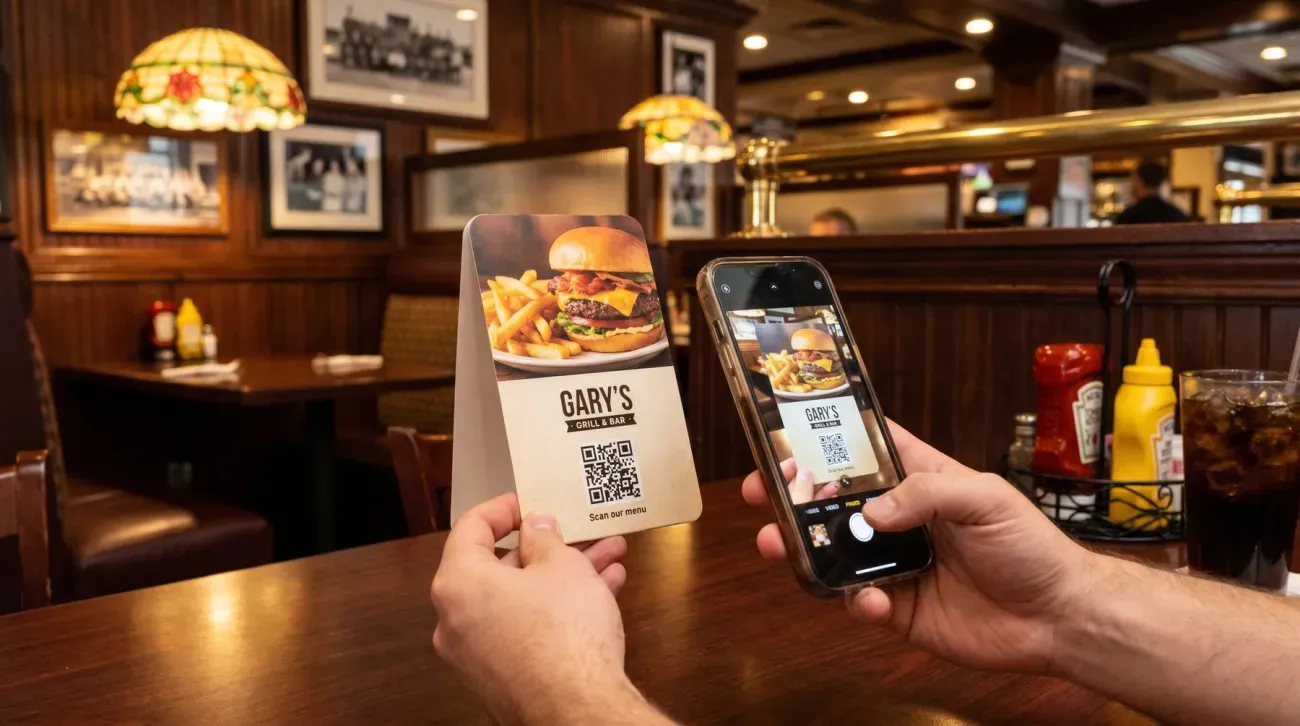
You cannot eyeball whether a QR code works. Graklink provides artwork and contrast checks to help catch design problems, but a software check cannot guarantee a first-try scan under every condition. The only way to know is to scan the final design, on more than one phone, before it goes to print.
Use a real copy of the finished item, such as a 4 × 6 inch menu card, before ordering the rest. Keep the QR code at its intended printed size and preserve a four-module quiet zone, meaning empty width equal to four small QR squares, on each side. Print the proof on the same stock and with the same finish you plan to use. Paper changes contrast and glare; foil and some glossy finishes can make an otherwise readable pattern harder for a camera to read. A denser QR code or one scanned from farther away needs more room.
Place the proof where it will be used. Try the expected scan distance and light, including a shaded position if that is part of the setting. Use two typical phones, scan from the printed copy, wait for the intended page, and complete the action beside the QR code. For a menu card, that means opening the menu and reading it. For a booking card, reach the booking form without typing the address.
If a phone cannot read the pattern, adjust the artwork or finish, print another proof, and repeat before the full order. If the phone reads the pattern but the page or task fails, repair or repoint the destination, then rerun the task on the same proof. Keep one short acceptance note with the file version, physical size, stock and finish, light and distance, phones used, and whether the intended task worked. The result you are checking is simple: the customer can scan, open the right page, and finish the next step while they already have their phone out.
Once the printed QR code works, its scan count can help you see whether the placement gets used. A purchased Graklink QR code includes that count even when the destination never changes. If you put one QR code on a counter card and another on a take-home insert, each has a separate count. Those results can help you choose which material to print again; your ordering or booking records show the completed customer actions.

Common questions
Why did my QR code suddenly stop working after months?
If it worked for a while and then failed everywhere at once, it is almost never a print problem. Something behind the QR code went away. Usually that is the destination itself, a page taken down or a site rebuilt at new addresses. Sometimes it is the provider switching the redirect off because a subscription lapsed. A Graklink QR code never stops for a billing reason, and you can repoint a dead destination in seconds without reprinting.
Why won't my printed QR code scan at all?
Usually a design issue: too little contrast, no quiet zone, printed too small, a logo covering too much, or a busy background. Most of these look fine to the eye and only show up when you actually scan it.
Can a printed QR code get damaged or wear out?
Yes. Error correction tolerates some smudging or scuffing, but heavy damage, fading, or a crease through a corner square can still kill it. Print on durable material and keep the corners clean.
My QR code scans on one phone but not another. Why?
That is the signature of a borderline QR code, usually contrast or size just under the line. Fix it to spec (stronger contrast, a bit larger, clear margin) then test it on several typical phones and the final material.
How do I keep a printed QR code from dying?
Design it to scan, and own the redirect rather than rent it. A Graklink QR code is a one-time purchase. No subscription required.
Can a QR code be a color other than black?
Yes, but the QR code has to stay much darker than its background. Scanners read brightness, not color, so two colors that look different to your eye can read as the same shade and fail. Check the brightness difference, not just the hue, and always test it.
Can I put a logo in the middle of a QR code?
Yes, if it stays small. A modest mark in the center is fine, because the QR code can rebuild the part it covers. A logo that is too large removes data the QR code needs and stops it from scanning.
Sources and verification dates
Source links, check dates and available archived copies are listed below.
- DENSO WAVE: QR code margins
Checked September 15, 2026.
A clear margin four modules wide is required on each side.
Live page; no archived copy supplied.
- DENSO WAVE: error correction
Checked September 15, 2026.
Recovery percentages refer to codewords, not an allowable logo area.
Live page; no archived copy supplied.
- Graklink terms
Checked October 20, 2026.
Purchased products, subscription cancellation, trial conditions and service continuity.
Graklink’s published product information.
- MOO: using QR codes with print
Checked September 17, 2026.
MOO suggests no smaller than 12 x 12 mm, recommends 300 dpi for raster artwork, advises strong contrast, and warns that foil and spot gloss can make scanning unreliable.
Printer-owned support guidance; its size recommendation is a loose guideline, not a universal pass threshold.
- DENSO WAVE: QR code area example
Checked September 17, 2026.
The example calculates total symbol area by adding a four-module margin on every side.
Live page; no archived copy supplied.