
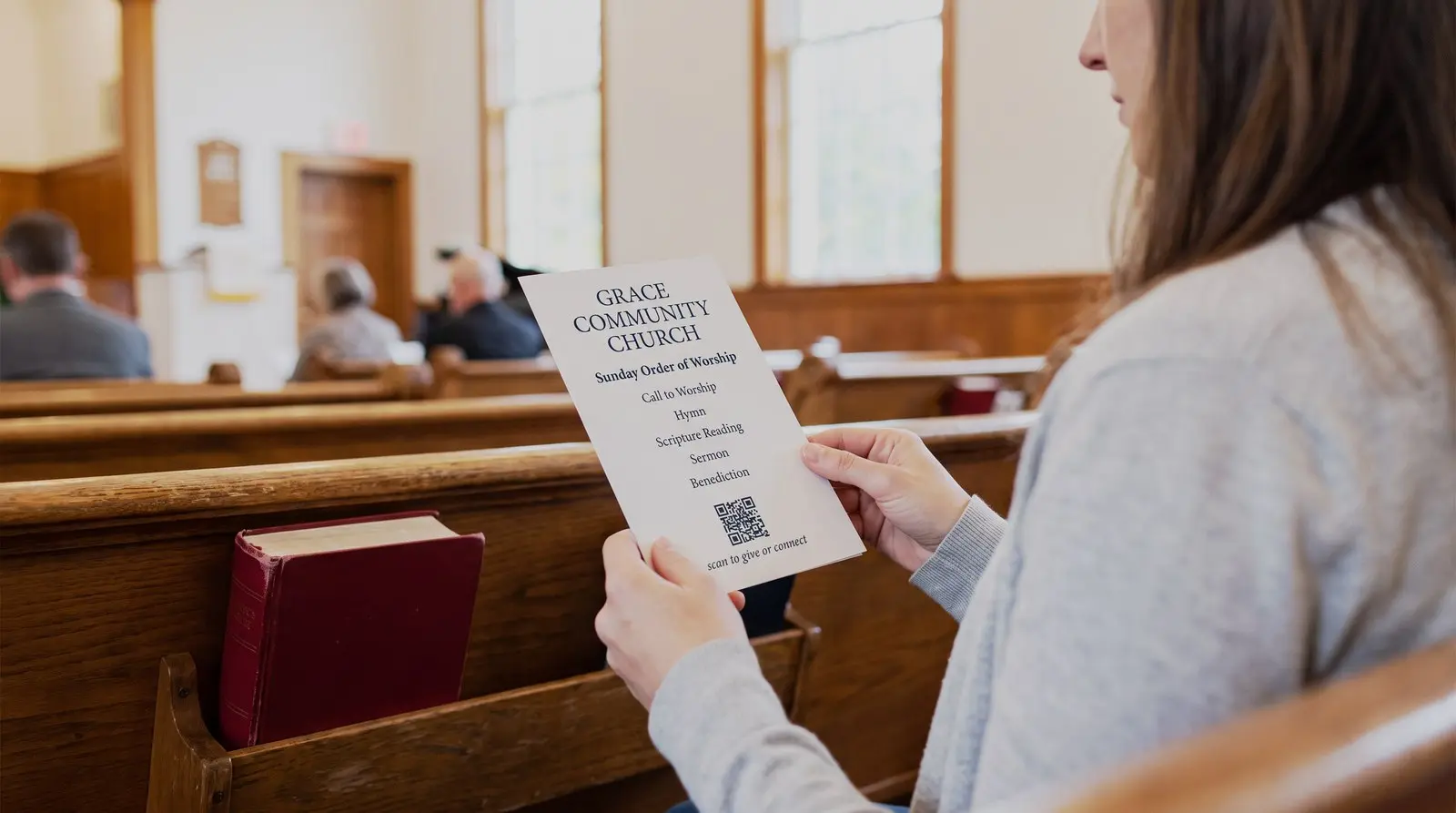
The bulletin gets reprinted every week. The pew card, the slide, and the giving sign should not have to be.
ON THIS PAGE
The bulletin is the one piece of print your church redoes every single week, and almost everything it points to now lives somewhere else. Announcements moved to the website, giving moved to a platform, sermon notes are a shared doc, the potluck signup is a form. Every week somebody retypes and reprints the paper that carries all of those addresses, and every one of them can change without warning.
Why put a QR code in a church bulletin?
A visitor reaches the offering page in the bulletin and realizes they have no cash. A giving QR code can open the church’s existing donation page on their phone.
The announcements moved to the website. Giving moved to a platform. Sermon notes are a shared doc, the potluck signup is a form, the livestream has a link. Every week somebody retypes, reprints, and refolds the paper that carries all of those addresses. A QR code gives readers a direct way to open those resources from the printed bulletin.
A free static QR code works when you maintain the same page address. A dynamic QR code adds an independent count and scheduled destinations as well as the ability to change that address, such as when you move the giving page to another platform. Reusable pew cards and laminated signs can then keep their existing QR artwork.
Link also supports day-and-time routing for a reusable QR code with a broad caption such as “Open church information.” Choose the church’s time zone, send Sunday-morning scans to the current bulletin, and keep the announcements page as the default outside that window. The destination is chosen again on every scan, so a pew card printed last year still follows the schedule saved today. Keep a giving QR code separate and label it clearly so it always opens the giving page a member expects.
St. Luke’s Methodist Church in Corpus Christi includes QR codes for giving and attendance in its May 2025 bulletin. It also prints the website route for attendance. Give people both ways to reach the page, then keep that page easy to use.
What should a church point QR codes at?
Start with the resource people ask for most often. These are useful options:
The giving QR code. On pew cards, offering envelopes, the slide before the offering, and the table by the door. It points at whatever giving platform you already use; your giving platform processes the gift.
The announcements QR code. One QR code on the bulletin shell that points at this week’s news. Repoint it Sunday night or let it live on a page you update; either way the shell stops being weekly print work.
The sermon QR code. Notes, the passage, the podcast, the livestream for the members who are traveling. This one changes destination most often, which is exactly what the dashboard is for.
The connect QR code. A welcome-form QR code lets a first-time visitor leave their details from their seat. You’ve given them a way to introduce themselves even if they haven’t yet found the person to ask. Keep the paper card available too.
What happens when the church changes giving platforms?
Every QR code keeps working, pointed at the new platform, and that single sentence is most of the reason to do this with a dynamic QR code.
Churches switch platforms. Fees change, a denomination signs a deal, a volunteer treasurer retires and the new one has opinions. If the giving address printed on five hundred offering envelopes belongs to the old platform, the switch means reprinting everything or watching gifts bounce off a dead page. If the envelopes carry your QR code, the switch is one field in a dashboard: repoint, done. The envelopes in the pew racks, the banner in the lobby, and the laminated cards from three years ago all quietly start opening the new page.
Check the new giving page from a card after updating the destination.
What does a purchased QR code include?
A purchased QR code includes destination editing, unlimited scans and basic scan counts, so the giving sign can remain in place between appeals without a recurring QR subscription.
Will the QR code still work in five years?
A purchased Graklink QR code has no required subscription or scan cap. Its redirect is maintained for the lifetime of the service under our Terms.
Church surfaces live longer than almost anyone’s: laminated pew cards, screen-printed banners, the sign by the parking lot, hymnal inserts that survive a decade of Sundays. A Graklink QR code never stops redirecting because of a billing event.
Keep the destination page current too. A useful check before each print run is to scan an existing card and complete the intended task.
What else does this work for?
Other materials can open the resource a member needs at that moment.
Vacation Bible School signups, the fall festival flyer, the yard signs before Christmas and Easter services (printed weeks early, pointed at a service-times page you finish later), the youth group permission form, the food pantry’s donation list, the men’s breakfast RSVP. Events with a headcount work exactly like the RSVP page describes: printed thing frozen early, guest list moving, one QR code bridging the two.
Start with the giving QR code. The rest tend to follow the first time somebody watches a visitor scan instead of type.

Common questions
How do churches use QR codes?
QR codes can open giving pages, bulletins, sermon notes and visitor forms. Put each beside a clear caption on the relevant card, sign or slide. Use a dynamic QR code if you want to keep the artwork while changing the destination address later.
How do I make a QR code for church giving?
Point a dynamic QR code at the giving page you already use, whatever platform that is. Buy the QR code once, put the giving page address in, print it on the pew cards and envelopes. When you change giving providers someday, and most churches eventually do, you repoint the QR code to the new page from the dashboard and every card, envelope, and laminated sign you ever printed now opens the new one. That switch is the whole reason to use a dynamic QR code instead of printing the platform's own link.
Will older members use a QR code?
Offer the QR code alongside a readable address, paper information and an in-person way to respond. Members can then use whichever route suits them.
Does a church QR code expire?
A purchased Graklink QR code is not deactivated when a subscription ends. There is no subscription behind it, no scan limit, and no trial that ends quietly in the church office's unread email. For QR codes that get laminated, screen-printed on banners, and left taped to a folding table for years, that is the property that matters most.
Can I see how many people scanned the QR code?
Every purchased QR code includes basic scan counts. Use the giving platform’s records to check completed gifts.
How big should the QR code be printed?
In a bulletin or on a pew card, at least an inch square with clear space around it. On a slide, bigger than feels reasonable, because the person scanning is doing it from the back row over someone's shoulder. On a banner or yard sign, size it for the distance: a QR code scanned from six feet needs to be about six times bigger than one scanned from arm's length. Our print-size guide has the arithmetic.
Sources and verification dates
Source links, check dates and available archived copies are listed below.
- St. Luke’s Methodist Church bulletin
Checked September 15, 2026.
A published May 2025 bulletin offers QR access to giving and attendance registration.
Live source checked on the date shown; no archived copy recorded.
- DENSO WAVE: QR code margins
Checked September 15, 2026.
A clear margin four modules wide is required on each side.
Live page; no archived copy supplied.
- Graklink terms
Checked September 15, 2026.
Purchased products, subscription cancellation, trial conditions and service continuity.
Graklink’s published product information.
Make your QR code in a minute
$7.99 once. Unlimited scans. 30-day money-back guarantee.