
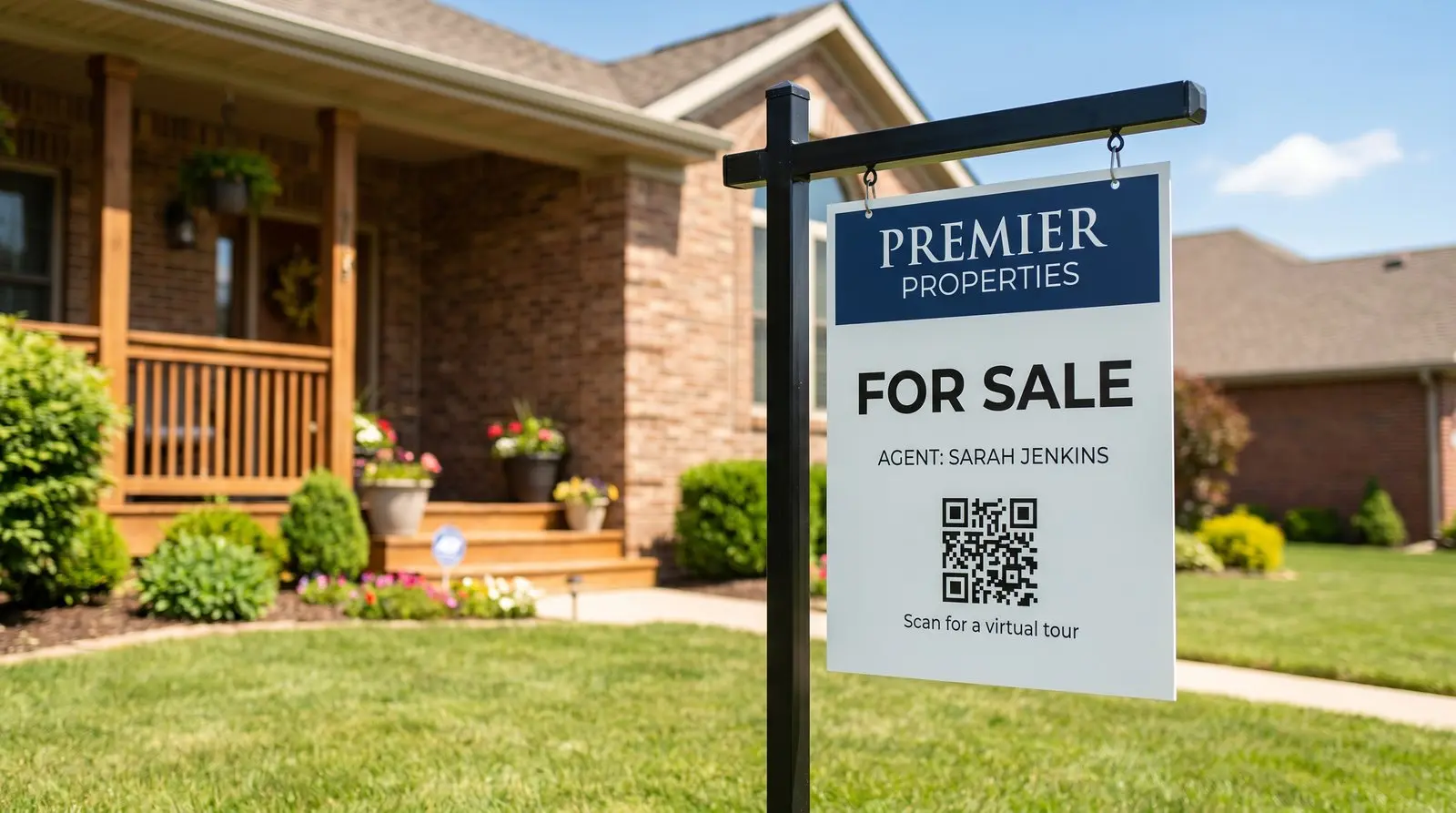
Use the same sign rider for your next listing.
ON THIS PAGE
A buyer walking the neighborhood stops beside your sign and wants the floor plan before booking a viewing. Give them a direct route to that listing. When you move the reusable rider to your next property, update its dynamic QR destination.
What is the best QR code for real estate signs?
A dynamic QR code lets you update a sign rider’s destination when you move the rider to another listing. Buy the QR code once, then reuse that sign with a current listing page or tour.
A buyer walking the neighborhood stops outside a house they like. They want the photos, floor plan and asking price now, before arranging a viewing. A sign QR code can open those details from the sidewalk. The floor plan helps them see whether the layout could suit their family. You’ve helped them take that first look on their own terms.
Where your sign QR code should point
Choose the destination for the property and the information a buyer needs:
- The active listing page, with photos and price.
- A video walkthrough or 3D virtual tour, the thing buyers actually want from the curb.
- Your agent profile or featured listings, between listings so the QR code never sits dead.
- A coming-soon page, to build a list before a property hits the market.
- Open-house registration or a financing calculator, when those fit the moment.
When you move a reusable rider, update its destination to the new property. Keep property-specific flyers on their own QR code so people who saved a flyer can still find that property’s details.
Give buyers the property information sheet
A buyer may want more than the listing page shows. Put the property information sheet or supporting documents behind the property’s QR code: a current PDF or page with the floor plan, room dimensions, photo gallery, tour, price and status date, plus other documents prepared for prospective buyers. Keep the sign or flyer concise and make the full information easy to open on a phone.
Set it up in this order:
- Prepare one current destination for that property. Use a listing page, a hosted page or a PDF URL. Put the address and last updated date on the sheet, then check every link before printing.
- Create a separate dynamic QR code for a permanent property flyer or window card. Give it a name you will recognize. Use the reusable rider’s QR code for the current listing only, and repoint it when the rider moves.
- Scan the printed piece from the place a buyer will stand. Open the floor plan, save it to your phone and share the link with a partner. Those tests match what a buyer can do without typing a long URL.
- When the asking price, status or supporting document changes, update the property’s destination. The next scan sees the current sheet while the printed property flyer stays in circulation.
A buyer can open the floor plan from the sidewalk, save it for a second look and send it to a partner before arranging a viewing. You made that next step easier. Use a clear label such as “Scan for floor plan and property details” so the buyer knows what will open.
For several active properties, give each one its own page and QR code.
A dynamic QR code can also serve the right page during an open house without changing the printed rider. Set the property’s time zone, route scans during Saturday’s open-house window to the registration page, and keep the listing as the default before and after. Each scan uses the current time, so a flyer opened later still reaches the listing. Remove the scheduled rule when the open house is over.
Recommended setup
- Solo agent: one QR code on your riders, repointed per listing.
- Team or lots of signs at once: give each sign or each listing its own QR code, each with its own scan counter.
Reusing a sign QR code
One QR code can appear on any number of copies. Use separate QR codes for signs that need to open different active listings.
Basic counts help you see which signs get used.
Make sure it scans from the sidewalk
Test the rider from the sidewalk or another place a buyer can stop comfortably:
- High contrast, dark QR code on a light rider.
- A clear quiet zone, nothing crowding the edges.
- Printed large enough to read from the curb, and kept square.
- Scanned on a phone before the whole run goes to print.
The full breakdown, with pictures, is here: why QR codes don’t scan. A rider may be read from several feet away, which changes the sizing, and how big a QR code should be for print gives you the distance rule.

Common questions
How do I point my sign QR code at a new listing?
Log in from your phone, paste the new listing's URL, and save. The QR code on your rider updates within seconds, and every scan after that goes to the new listing. The physical sign never changes.
What happens to my QR code between listings?
Point it at your agent profile, your featured-listings page, or a coming-soon page. The QR code always goes wherever you send it, so it never sits dead.
Do I need a subscription to keep my QR code working?
No subscription required. A purchased Graklink QR code keeps working. That is the founding promise of the company.
Can I see how many people scanned my sign?
Yes. A basic scan counter is included with every QR code. It counts scans; it does not identify buyers or their exact location.
What should I print the QR code on?
Sign riders, yard signs, flyers, business cards, anything. Download the free SVG and your print shop can scale it to any size. Weather-resistant materials work great; the QR code does not care.
Sources and verification dates
Source links, check dates and available archived copies are listed below.
- DENSO WAVE: QR code margins
Checked September 15, 2026.
A clear margin four modules wide is required on each side.
Live page; no archived copy supplied.
- Graklink terms
Checked September 15, 2026.
Purchased products, subscription cancellation, trial conditions and service continuity.
Graklink’s published product information.
- Waterrock Manor property brochure
Checked September 17, 2026.
Page 22 includes a QR code directing readers to the development website. The decoded destination opens the development's registration and agent-contact page.
Direct PDF and QR inspection confirms brochure-to-website use, not buyer activity or a direct document download.
Make your QR code in a minute
$7.99 once. Unlimited scans. 30-day money-back guarantee.