
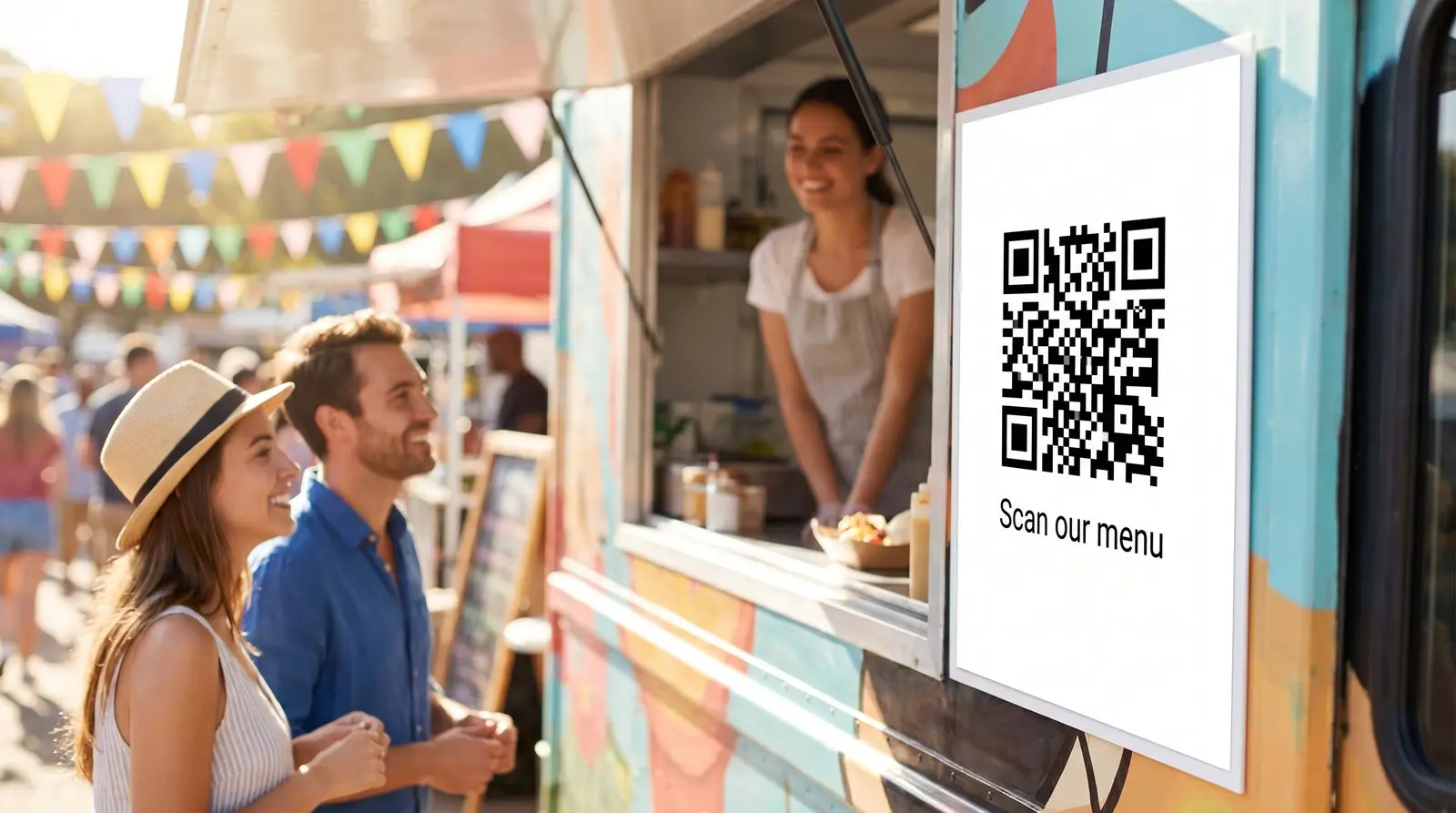
Give customers your menu before they reach the window.
ON THIS PAGE
The lunch queue reaches past the menu board. A QR code beside the line lets customers look through the menu on their phones while they wait. Put a schedule link on a take-home sticker so they can find your next stop too.
What is the best QR code for a food truck?
A dynamic QR code on the truck can open your current menu or ordering page. If you change ordering services, update the destination from your phone and keep the same decal. The QR code includes unlimited scans and basic counts.
A customer joins the lunch queue while you finish the order at the window. Giving people the menu while they wait lets them choose lunch at their own pace. When they reach your window, they’ve had time to decide what sounds good. On a take-home sticker, a separate schedule link helps them find you next week.
In a food-truck operator discussion, one contributor describes leaving laminated menus with QR codes on brewery and winery tables. It is a practical idea for customers deciding what to order before walking over to the truck: show the food on the card and give them a direct route to the online menu.
Where your truck QR code should point
Choose the job for each placement:
- Your live location post, in the morning.
- This week’s schedule, so regulars can find you.
- The menu, always current even when the specials change.
- Online ordering, during the lunch rush so a scan becomes an order.
- A catering inquiry form, on the slow afternoons that pay the best.
A menu page can hold current dishes and hours at one stable address. Change the dynamic destination when the page address changes. For a schedule or catering inquiry, use a caption and placement that make that action clear.
A dynamic QR code can also follow your service hours automatically. Set the truck’s time zone, route lunch-hour scans to online ordering, and keep the weekly schedule as the default before and after service. Every scan checks the current day and time, so an old take-home sticker still opens the right destination for that moment.
Recommended setup
- One QR code on the wrap is all most trucks need, changed from the cab.
- Add QR codes per surface to compare. Cups, stickers, and the tailgate can each get their own QR code so you see which materials get scanned, each with its own counter.
A wrap costs thousands. The QR code should not be the fragile part.
A wrap can stay in use through several menu and ordering-service changes. A purchased Graklink QR code lets you update its destination without replacing the artwork or paying a recurring QR subscription.
You may already have a free QR code from your ordering platform. Keep it if that arrangement meets your needs. Graklink adds destination control independent of that platform and scan counts you can compare across your materials.
Make sure it scans in the sun, from a line
A hungry customer reads your QR code outdoors, at arm’s length, in a line:
- High contrast, dark QR code on a light panel, so sun glare does not wash it out.
- A clear quiet zone around it.
- Printed large on the tailgate or window, kept square.
- Scanned on a phone before the wrap goes to the printer.
The full breakdown is here: why QR codes don’t scan. A window QR code gets read from a few feet back in a queue, in daylight and often through glare, so the measurements in how big a QR code should be for print are worth a look before you order the decal. If you are choosing between a window decal, a sticker, and a board, we compared the surfaces.

Common questions
What should a food truck QR code point at?
Whatever today needs: the live location post, this week's schedule, the menu, or your online-order link during a lunch rush. Repoint it from the driver's seat between stops.
The QR code is printed on my wrap. What if I change services?
Update the dynamic QR code destination to your new menu or ordering page. The printed wrap stays the same. Keep the destination page active and test it after the switch.
Can I see which locations scan the most?
Basic scan counts are included for each QR code. Record your stop dates and compare activity with service hours and sales; scan counts do not identify a particular customer or prove which stop was more profitable.
What about stickers and cups, not just the wrap?
Same QR code everywhere, or separate QR codes per surface if you want to compare them. Download the SVG once and print at any size, from a cup sticker to the full tailgate.
Does it work at a festival with terrible cell service?
A phone needs an internet connection to open the destination. Keep a visible menu at the window too. Test the QR code and ordering page at the actual stop before service.
Sources and verification dates
Source links, check dates and available archived copies are listed below.
- Food-truck operator discussion
Checked September 15, 2026.
An unverified first-person operator report describes laminated QR menus on brewery and winery tables.
Live source checked on the date shown; no archived copy recorded.
- DENSO WAVE: QR code margins
Checked September 15, 2026.
A clear margin four modules wide is required on each side.
Live page; no archived copy supplied.
- Graklink terms
Checked September 15, 2026.
Purchased products, subscription cancellation, trial conditions and service continuity.
Graklink’s published product information.
Make your QR code in a minute
$7.99 once. Unlimited scans. 30-day money-back guarantee.