
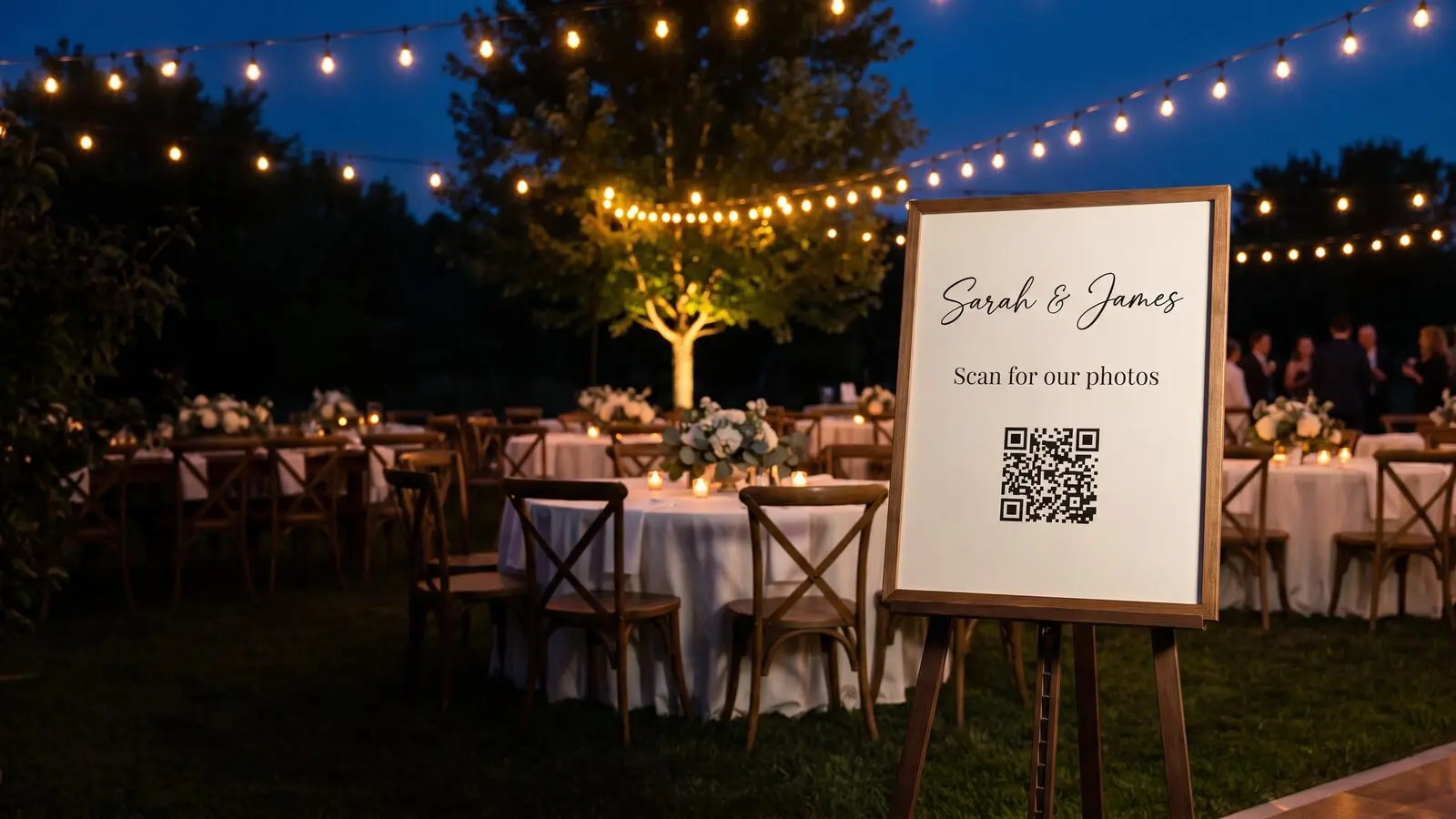
Keep your wedding details within reach.
ON THIS PAGE
Wedding stationery is printed months ahead and kept forever. A QR code on 150 letterpress invitations cannot depend on a monthly subscription somebody has to remember to keep paying through the honeymoon. When Aunt Linda scans the invite next year to see the photos, it has to work.
What is the best QR code for wedding invitations?
The best wedding QR code is a single dynamic QR code you buy once and repoint as the day approaches: the RSVP page now, the schedule and directions the week of, and the photo gallery afterward. One QR code goes on every invitation, sign, and favor. Keep the gallery hosted and you can update its address if it moves.
Wedding stationery is printed months ahead and kept for life. A QR code on 150 letterpress invitations cannot depend on a monthly fee somebody has to remember to pay through the honeymoon. When Aunt Linda scans the invitation next year to find the photos, it simply has to work.
Where a wedding QR code should point
Because the QR code is dynamic, one printed square carries the whole day and everything after it. Point it, in order, at:
- The RSVP page, when the invitations go out.
- The schedule, directions, and parking, the week of.
- The registry and your wedding website, whenever guests need them.
- A shared photo album or upload link, during the reception, so guests add their own shots.
- The finished gallery and a thank-you, after the honeymoon.
Guests arriving from out of town can open the parking details from the invitation they brought with them. You’ve taken care of a small arrival worry before they even reach the venue.
On the wedding day, one broadly labeled “Wedding details” QR code can follow a schedule by day and time. Set the venue’s time zone, open parking and ceremony details before the service, send reception-hour scans to the photo-upload page, and keep the wedding website as the default. An old invitation follows the same schedule because the destination is chosen again when it is scanned. Remove the schedule after the event and make the finished gallery the default.
Recommended setup
- One QR code for the entire suite. Save-the-dates, invitations, the welcome sign, favor tags, and thank-you cards all carry the same QR code. Download the SVG once and your stationer scales it from a favor tag to a four-foot welcome sign.
- Use the included counts if they help. Your RSVP form records replies and your album service records uploads. The basic QR counter shows scans; you do not need a paid analytics plan to keep the QR code working.
- Planners and stationers: confirm who will own and maintain each couple’s QR code after handover. Couples still need to maintain the page it opens.
A keepsake should outlive the subscription
Your invitations may remain on refrigerators and in keepsake boxes after the wedding. If you move your photos from the wedding website to another gallery, update the QR destination and the invitations can still open them.
If your wedding website already provides a QR code, compare it with the way you want guests to use the printed pieces. Graklink adds independent scan counts and a schedule for different parts of the day, as well as destination editing. The included option can suit one fixed destination when you do not need those capabilities.
One QR code for every registry
Instead of listing three different store links on an invitation, where only one realistically fits, point a single QR code at one simple page that holds all of them: Amazon here, Target there, the cash fund at the bottom. Putting the lists together saves your guests searching each store for your names, and leaves them free to shop where they prefer.
You can edit that page whenever your website or registry service allows it, with either a static or dynamic QR code. Add a registry the week of the shower, take one down when it is fully claimed, or retire the whole list and swap in a thank-you note after the wedding. If the page itself moves to another address, a dynamic QR code lets you update that address without replacing the invitations.
Good destinations for the gift side of the event:
- A single “all our registries” page. The strongest default: one link that lists every store and fund. Many wedding-site builders give you a page like this for free.
- Your wedding or event website, with the registry as a tab alongside the schedule and directions.
- One specific registry, for a smaller shower with a single list.
- A cash or honeymoon fund. Point the QR code at the fund, then change it to a thank-you page once the gifts are in.
A dynamic QR code’s counter records visits through the printed QR code without requiring you to configure analytics on a registry service you do not control. It does not show which guest scanned or whether anyone bought a gift. If you share the same page in email or on your wedding website, those visits do not pass through this QR counter; the registry page’s own analytics or tagged links can measure those routes separately.
Comparing wedding QR code generators
Weddings are an unusual case, and most QR advice is written for businesses. A wedding needs:
- Very few QR codes. One on the invitation for your wedding site or RSVP form. Often a second for the registry. Sometimes a third at the reception for a shared photo album. Three is a lot.
- Modest but bursty scans. A hundred and fifty guests scanning a couple of times each is a few hundred scans, mostly clustered in the week the invitations land and the week of the wedding.
- A long tail nobody plans for. Invitations get kept. People scan them years later out of curiosity, and a keepsake that leads to an error page is a small sad thing.
- A destination that changes more than you expect. The RSVP form closes. The registry gets picked over. The site you built comes down. After the wedding the useful destination is a photo gallery or a thank-you note.
Prices and plan conditions checked October 22, 2026 (USD). Annual totals apply only where annual billing is stated.
| Free plan | Cost if you pay | What happens if you stop paying | |
|---|---|---|---|
| Graklink | Unlimited static, free forever | Paid once per dynamic QR code | Nothing. There is no plan on the QR code to stop |
| Hovercode | 3 dynamic QR codes, unlimited scans, never expire | $120/yr (Pro, 100 QR codes) | Your first 3 QR codes stay active on Hovercode domains. Extras go inactive; custom-domain QR codes stop working |
| QRCodeChimp | 10 dynamic QR codes, 1,000 scans/mo shared | $83.88/yr (Starter, 50 QR codes) | Drops to free: QR codes past the last 10 pause, and the 1,000/mo cap applies again |
| QR Tiger | 3 dynamic QR codes, 500 scans each | $7/month (Regular, 12 QR codes) | QR codes stop when the subscription lapses |
| Bitly | 2 new QR codes/month | $120/yr (Core, 5 QR codes) | Ordinary bit.ly QR codes keep redirecting; custom-domain conditions vary |
See Sources and verification dates for the individual price checks.
Is a free plan enough for a wedding?
Often, yes. Compare the QR code quantity and expected scans.
Hovercode’s free tier includes three dynamic QR codes. Three dynamic QR codes covers invitation, registry, and photos exactly. Scans are unlimited, so a popular wedding cannot run you into a ceiling. Their FAQ is unambiguous: “Your first 3 QR codes will never expire, regardless of when you create them.”
Check which QR codes qualify. Hovercode’s continued free allowance applies to the first three dynamic QR codes. Confirm that the invitation QR code is within that allowance before printing.
QRCodeChimp’s free tier gives you more QR codes, ten, but caps scans at 1,000 a month shared across all of them. For most weddings that is fine. It gets tight if you have several QR codes and a big guest list, because one busy QR code spends the allowance and pauses the others with it.
A free static QR code can open a wedding page you maintain. You can add photos or a thank-you message to that page later without changing its address. A dynamic QR code adds the ability to move to a different gallery or website service.
What if you design your invitations in Canva?
The “Dynamic QR Codes” marketplace app is built by Hovercode and follows Hovercode’s plan rules. Canva also has its own native QR tool, with different features. Check which one your design uses. Our Canva comparison explains the native tool’s editing, branding and reporting options. An uploaded Graklink QR image can also be placed in a Canva invitation design.
Will the QR code still work on your anniversary?
A static QR code has no timed expiry. It continues to encode the same address, so both the printed pattern and that address need to remain usable. A dynamic QR code needs a functioning redirect service as well as a working destination. Hovercode says its first three free QR codes do not expire. Graklink’s purchased QR codes have no billing expiry, and their destination can be changed to a new photo gallery when you need it.
Make sure your pretty QR code still scans
Before your stationer prints the suite, test a proof on the actual paper:
- Keep real contrast between the QR code and the paper, even in your palette. Gold-on-cream or white-on-blush can fail; test anything low-contrast.
- Leave a clear margin around it. Do not tuck it under the monogram.
- Keep any monogram in the center small.
- Make it at least about 0.8 inch (2 cm) square. Give it room rather than shrinking it to tuck into the design.
- Scan the final proof on a couple of phones before the run.
Our designer checks artwork and contrast; a test of the final print is still necessary, and the full guide is here: why QR codes don’t scan. Invitations are the fussiest surface we deal with, all pale card and script type, so if you want the real measurements before you send the file to the printer, how big a QR code should be for print has them.

Common questions
What should a wedding QR code point at?
It changes with the calendar, and that is the point: the RSVP page when invitations go out, the schedule and directions the week of, the shared photo album during the reception, and the finished gallery plus a thank-you afterward. One QR code, printed once, repointed from a phone.
Will the QR code still work after the wedding?
A purchased Graklink QR code has no subscription requirement or scan limit. You can update it to your photo gallery after the wedding. Keep that gallery available; if you move it, update the saved destination.
Can the QR code match our invitation suite?
Yes. Colors and styles in the designer, plus a custom design with your monogram. The designer checks artwork and contrast; test the final file before printing, because an elegant QR code that does not scan helps nobody.
Can guests upload their photos through it?
Point the QR code at any shared-album service you like (Google Photos, a wedding app, your photographer's gallery). During the reception, point it at the upload link; afterward, at the finished gallery.
We are printing 150 invitations. Do we need 150 QR codes?
No. One QR code covers every invitation, sign, and favor tag. Download the SVG once and your stationer can scale it from a favor tag to the welcome sign with no loss of quality.
What is the best QR code generator for a wedding?
Hovercode offers three free dynamic QR codes with unlimited scans, which can cover an invitation, registry and photo album. Compare the quantity, design and reporting you want; custom-domain QR codes stop working after cancellation.
Do wedding QR codes expire?
A QR pattern has no built-in expiry date. Its printed condition, destination page and any dynamic redirect service still need to remain usable. Check the service’s trial and cancellation conditions before printing.
How many QR codes does a wedding need?
Usually one to three. One on the invitation pointing at your wedding site or RSVP form is the core. Many couples add a second for the gift registry, and a third at the reception for a shared photo album. You rarely need more, which is why free tiers that include two or three durable QR codes cover a lot of weddings outright.
Is a free QR code safe to put on wedding invitations?
A free static QR code can work well if you maintain the destination page address. Free dynamic plans have different limits. Confirm the QR code’s plan and scan rules before sending invitations to print.
Can I add registries after the invites are printed?
Yes. Add them to the page your QR code opens. That works with static and dynamic QR codes. If you need to move to a new page address, a dynamic QR code lets you update the destination without reprinting.
Is a QR code better than just writing the registry link on the invite?
For a printed invite, usually yes. A typed link like a long store URL or a wedding-site address is easy to mistype and annoying to enter by hand. A scan opens it in one tap. And a single QR code can hold all your registries at once, where a printed line of text realistically fits only one.
How big should the QR code be on an invitation?
Keep it at least about 0.8 inch (2 cm) square, with a clear empty margin around it, and darker than the paper behind it. Invitations often use pale colors and script fonts, so give the QR code contrast and room rather than shrinking it to match the design. Scan your proof on a couple of phones before you print the full set.
Sources and verification dates
Source links, check dates and available archived copies are listed below.
- Zola: QR codes on wedding paper
Checked October 22, 2026.
Zola supports QR codes on invitations, save-the-dates, RSVP and enclosure cards. Its code cannot currently be downloaded for other stationery.
Live source checked on the date shown; no archived copy recorded.
- DENSO WAVE: QR code margins
Checked September 15, 2026.
A clear margin four modules wide is required on each side.
Live page; no archived copy supplied.
- Hovercode pricing and FAQ
Checked October 22, 2026. Archived copy
(US/USD view). Free forever: 3 dynamic QR codes in total ('They don't expire!'), 3 short links, 1 multi-link page, unlimited scans, logo on codes, basic analytics with 3 months history. Pro $12/mo, or 12 months for the price of 10 billed annually ($120/yr), 100 dynamic codes. Business $39/mo, Business Plus $99/mo. On cancellation, verbatim: 'Your first 3 dynamic QR codes (remain active)... Any additional QR codes, short links, or multi-link pages beyond these limits will become inactive but won't be deleted. Any QR codes, short links, or pages using your custom domain will stop working.' Note the wording is FIRST three, by creation order, not three of your choosing.
The linked archive is an earlier snapshot; the live page was checked again on October 22, 2026.
- QRCodeChimp pricing and FAQ
Checked October 22, 2026. Archived copy
(US/USD view). Free: 10 dynamic codes, 1,000 scans per month shared across all dynamic codes, unlimited static. Starter $6.99/mo billed yearly ($83.88/yr), 50 codes, 10,000 scans/mo. Verbatim on the cap: 'Once you reach the 1000 scans limit for a month, scans are paused, but they reopen next month for another 1000 scans.'
The linked archive is an earlier snapshot; the live page was checked again on October 22, 2026.
- Canva's Dynamic QR Codes app authorship
Checked October 22, 2026. Archived copy
The Dynamic QR Codes marketplace listing names Hovercode Ltd as its developer and describes adding customized dynamic QR codes to Canva designs.
Direct request returned 403; the listing was readable through the web reader. This source does not establish the features of Canva’s native QR tool.
- QR Tiger pricing
Checked October 22, 2026. Archived copy
Regular $7/month for 12 dynamic QR codes; Advanced $16/month billed annually ($192/year) for 200; Premium $37/month billed annually ($444/year) for 600. Free has 3 dynamic QR codes with 500 scans each. Paid scans are unlimited while the plan is active.
The linked archive is an earlier snapshot; the live page was checked again on October 22, 2026.
- Bitly pricing
Checked October 22, 2026. Archived copy
Free includes two new QR codes per month. Core is $120 annually with five per month; scans are unlimited. Other capabilities vary by plan.
Live page; no archived copy supplied.
- QR Tiger: plan expiry and scan limits
Checked October 22, 2026.
Free dynamic QR codes have 500 scans each; paid plans have unlimited scans while active. Dynamic QR codes stop when the paid plan expires.
Live vendor FAQ.
- QR Tiger: billing periods
Checked October 22, 2026.
Regular is quoted at $7 monthly or $65 yearly; Advanced and Premium are $16 and $37 per month billed annually.
The pricing page initially displays monthly Regular pricing; confirm the selected billing option before purchase.
- Bitly: downgrade behavior
Checked October 22, 2026.
Ordinary bit.ly links continue working after downgrade. Custom-domain DNS, registration and SSL conditions remain separate.
The HTML page returned 403; its current article was confirmed through Bitly’s public help-center JSON API on October 22, 2026.
- Graklink terms
Checked October 20, 2026.
Purchased products, subscription cancellation, trial conditions and service continuity.
Graklink’s published product information.
Make your QR code in a minute
$7.99 once. Unlimited scans. 30-day money-back guarantee.